 Private beta on iPhone · Mac coming next
Private on your iPhone. Powerful for your team.
Message anyone with a PIN, not your number, free and encrypted end-to-end. Bring your team to Mac for chats, collaborative workspaces, video calls with local transcription, and on-device AI.
No cloud reads your work. No internet outage stops it.
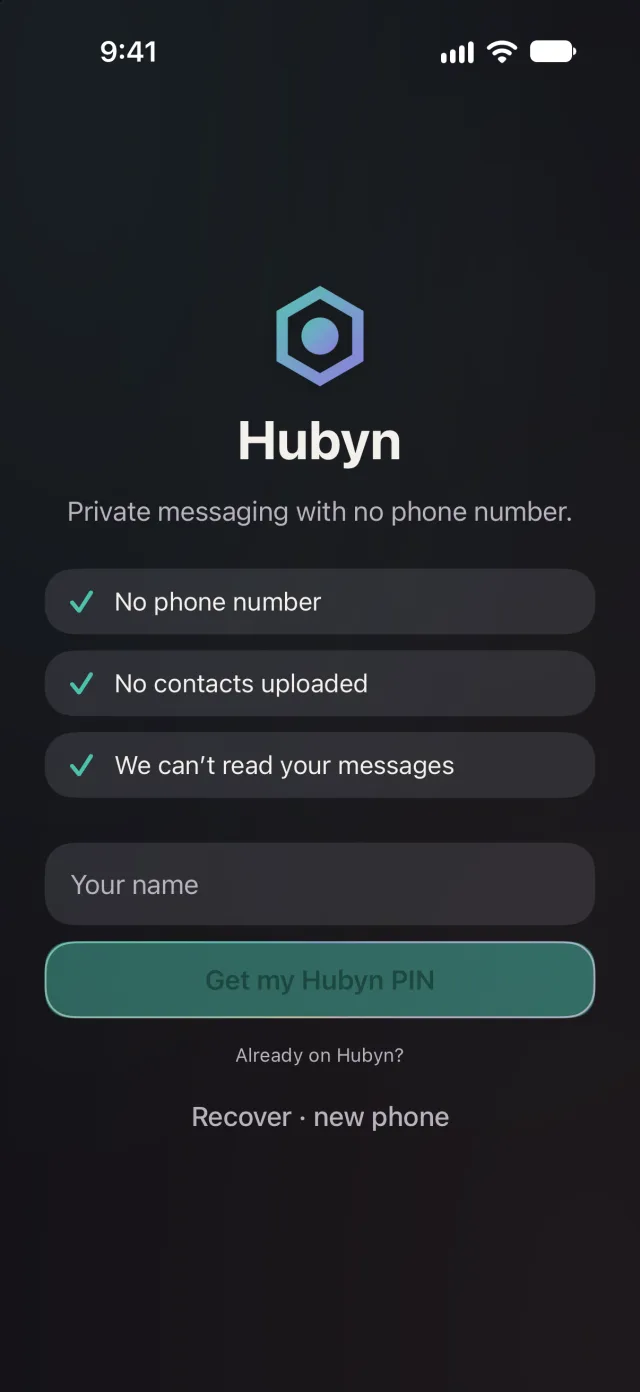
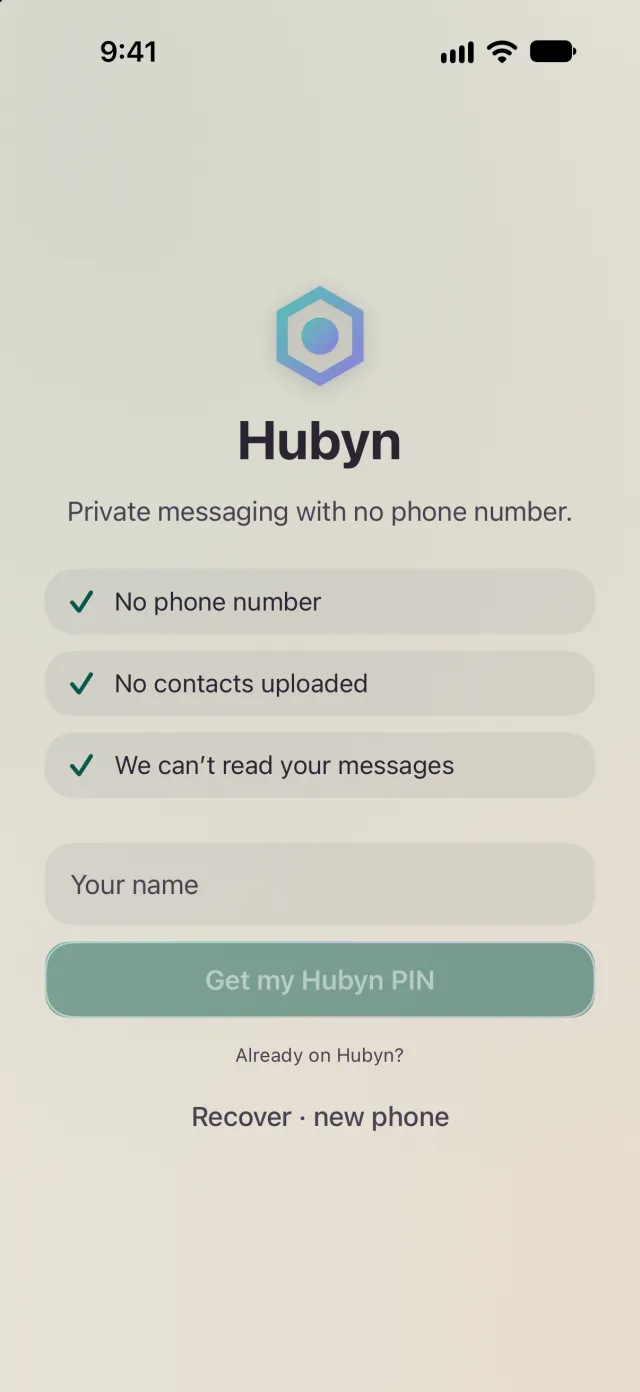
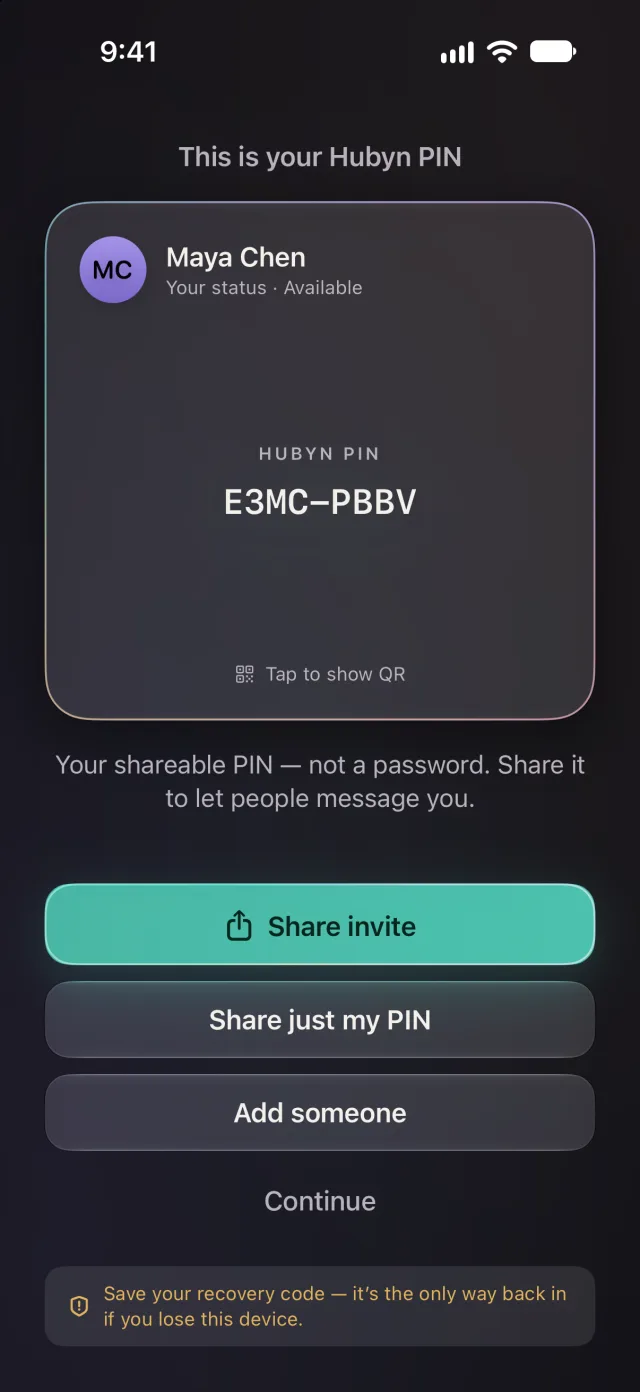
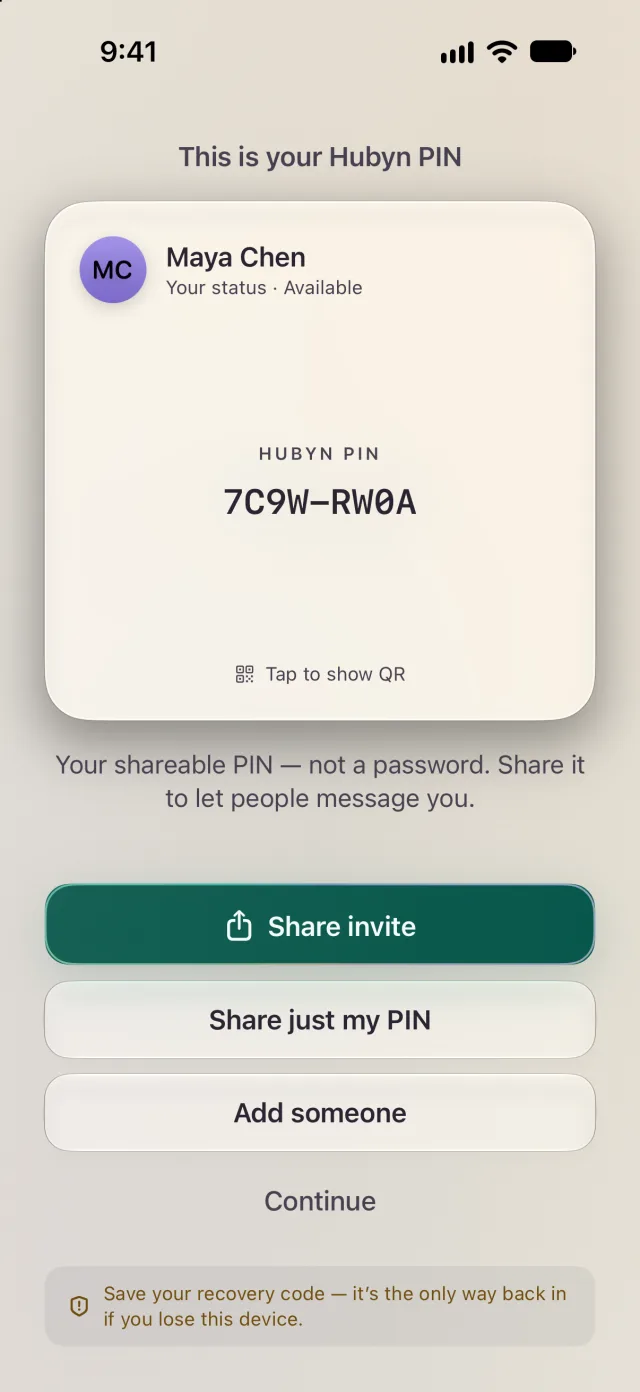
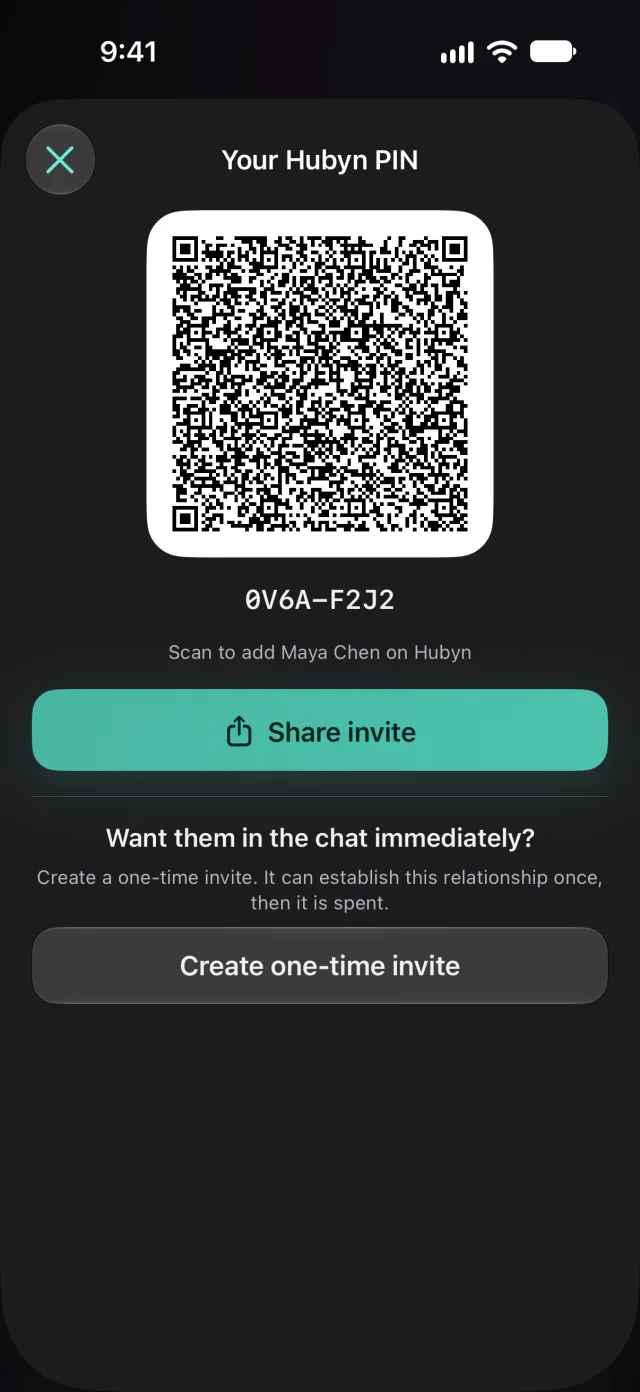
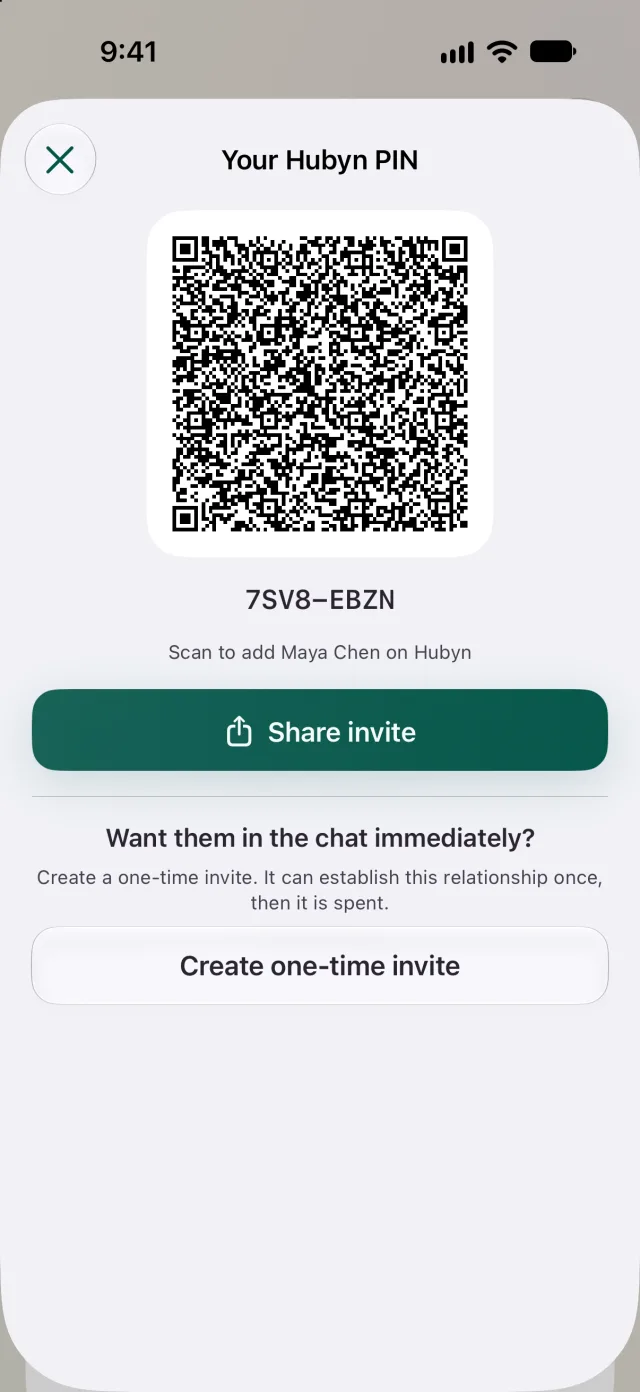
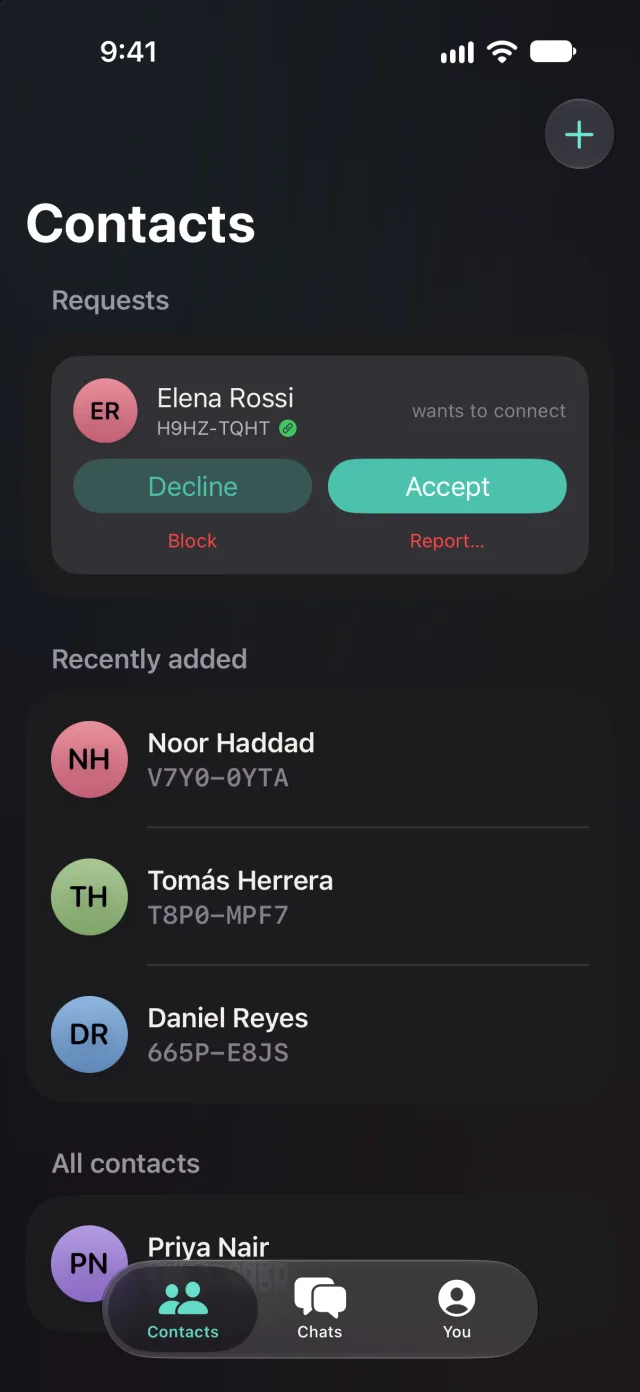
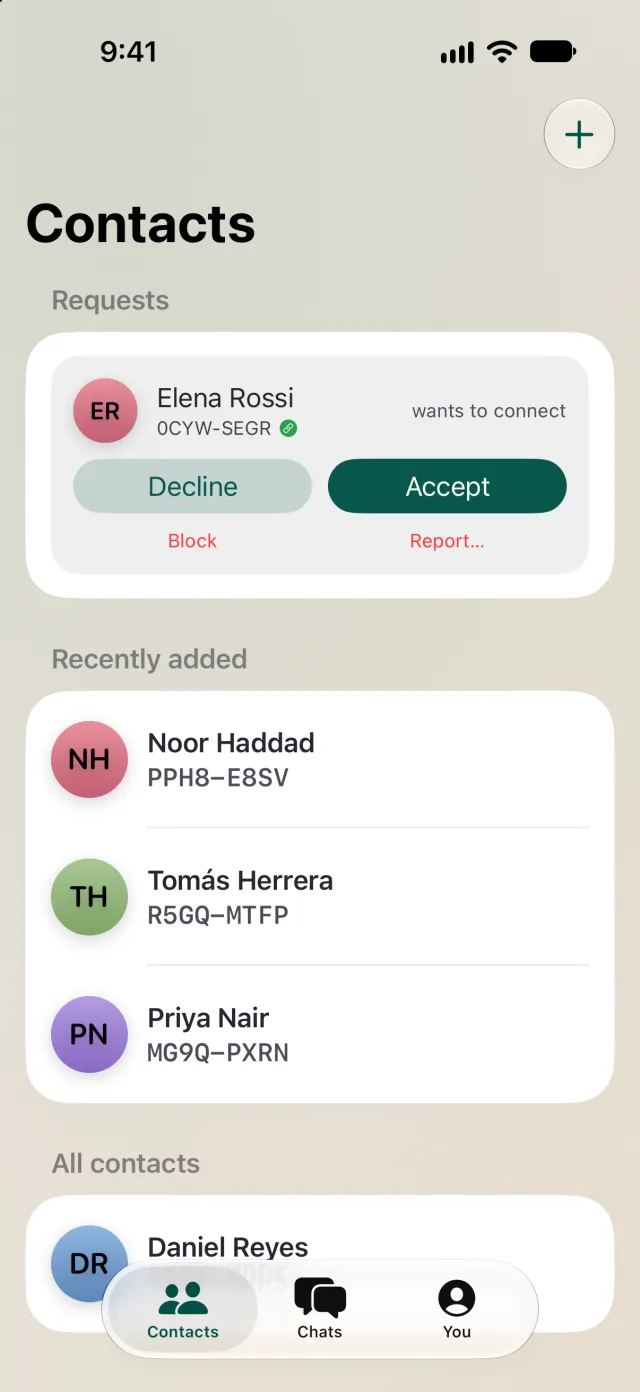
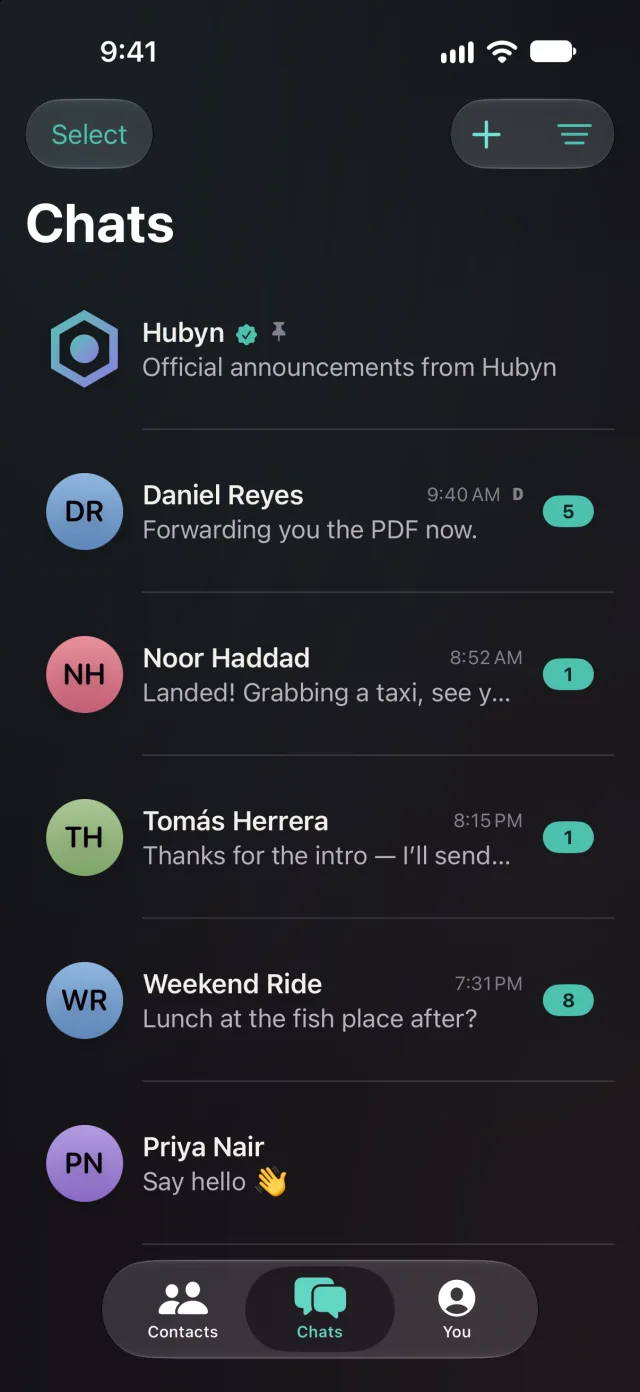
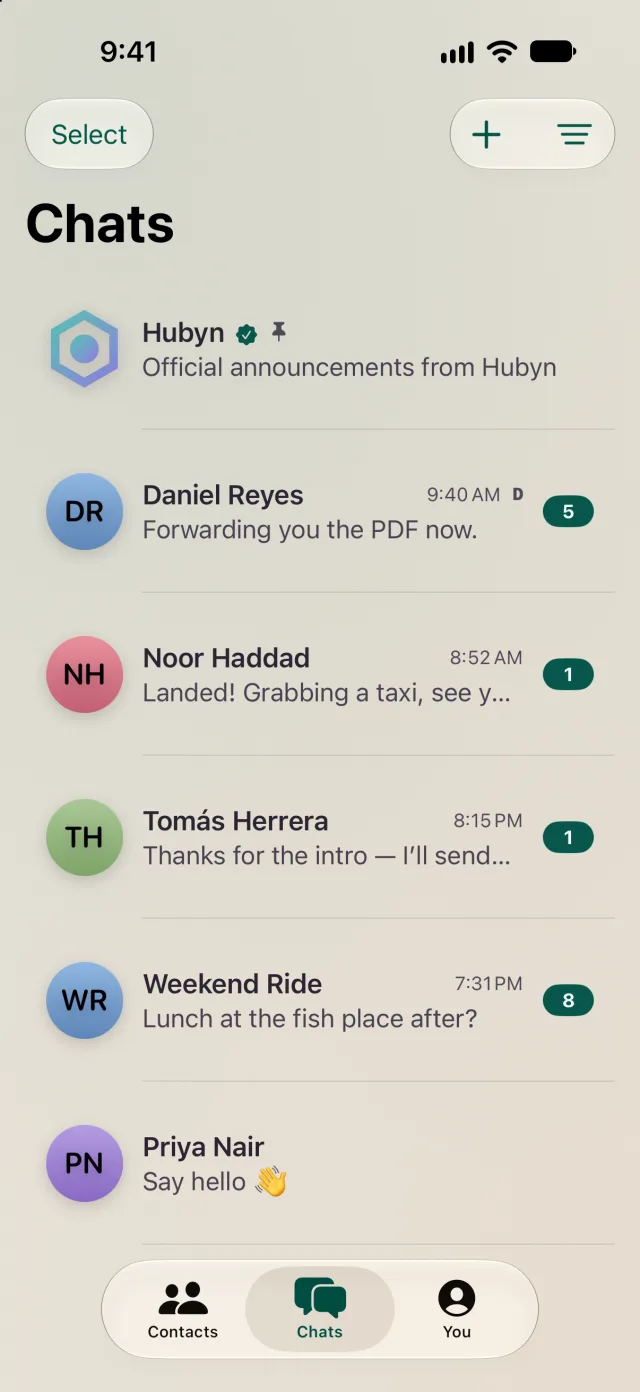
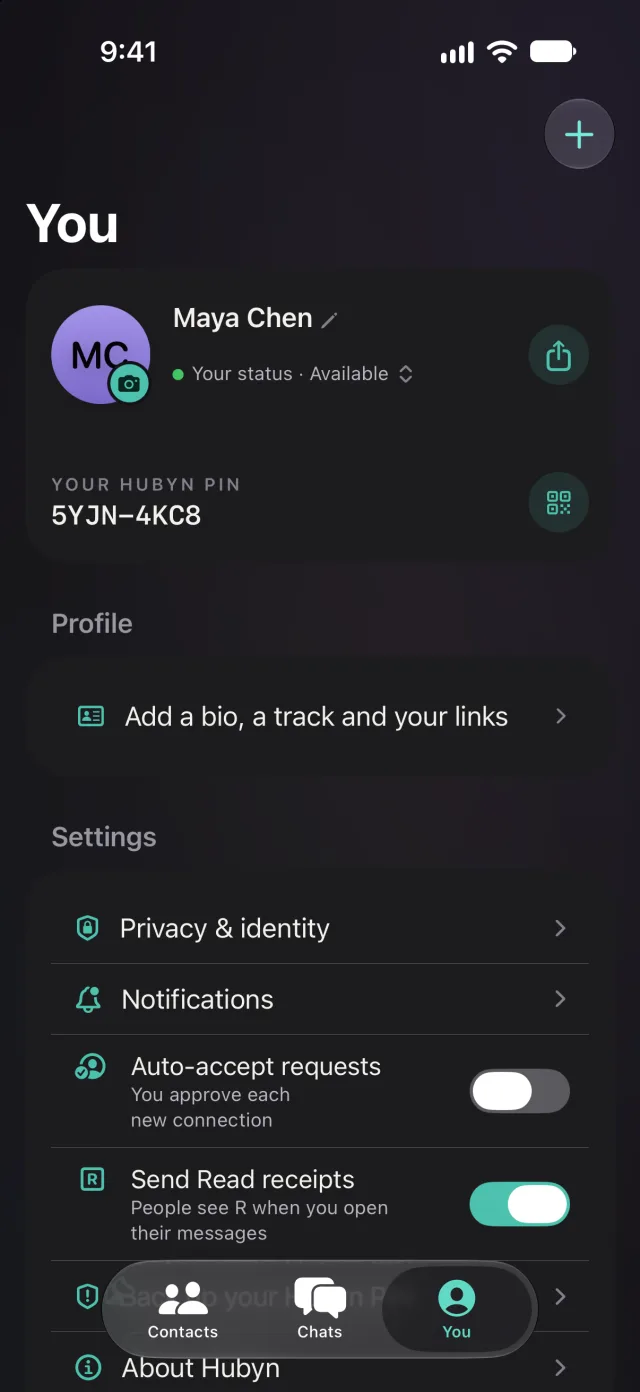
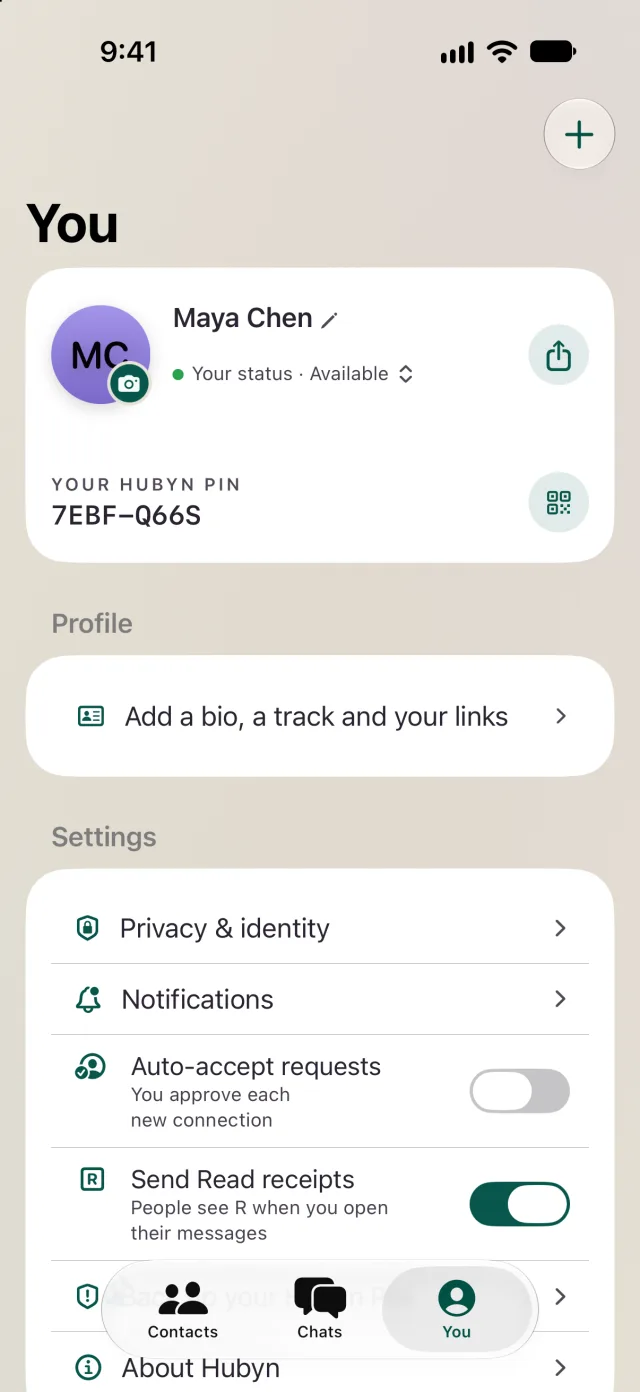
Your PIN, not your phone number.
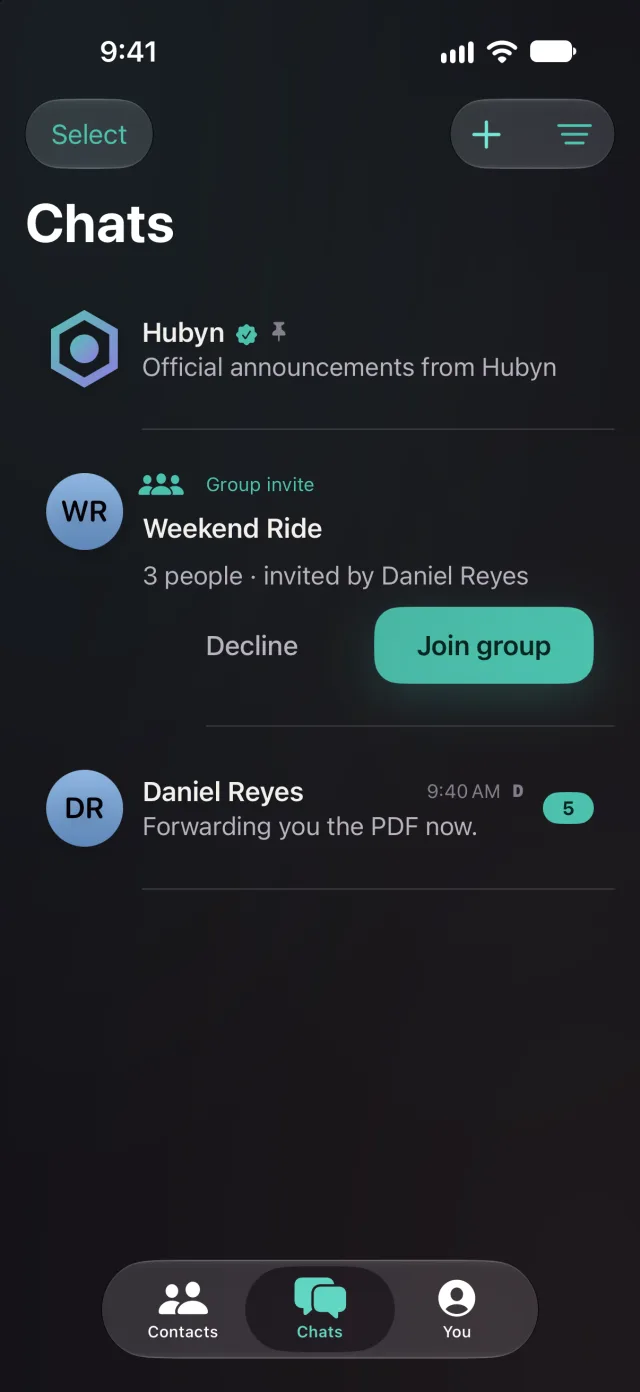
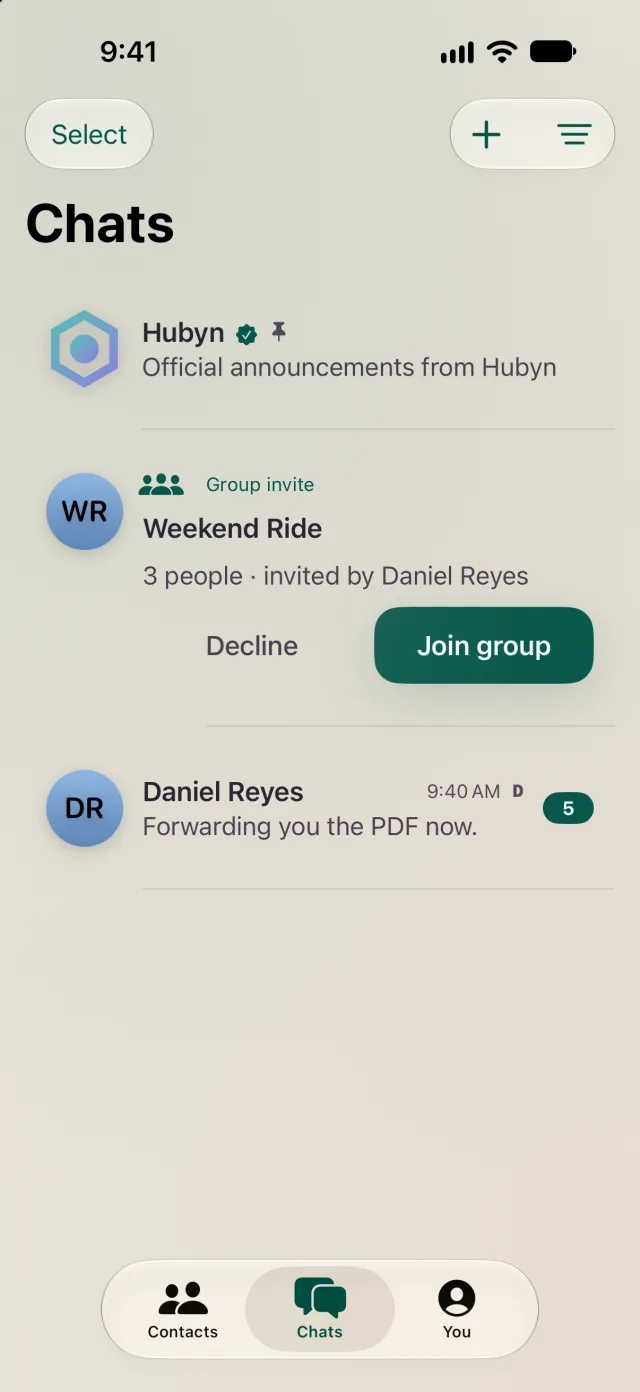
Everyone gets an 8-character Hubyn PIN, like 9F3K-2A7Q. Share it by link, QR code or typing it in. Knowing a PIN isn't permission. Every add is a request you accept or decline, with Block and Report right there.
- No phone number. No contacts upload.
- No two people ever share a PIN.
- Looking someone up stays private, even from us.
 Identity / ownedReady
HUBYN PIN
9F3K-2A7Q
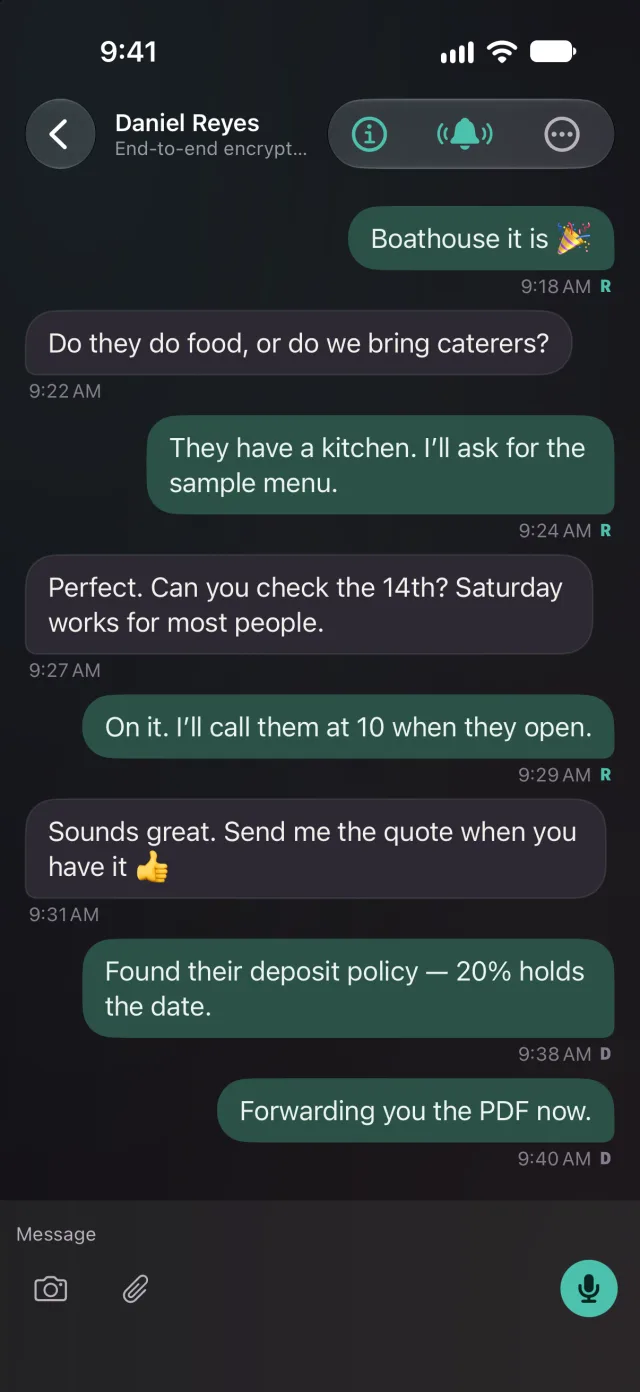
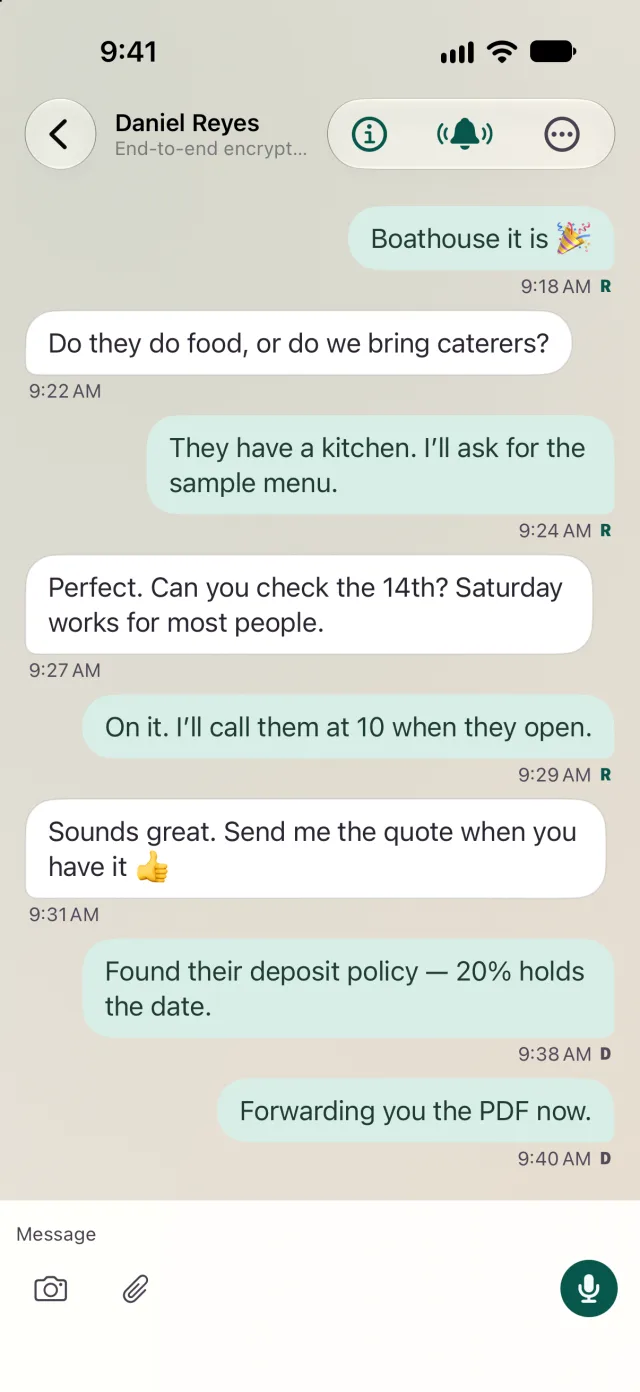
Everything you'd expect from a messenger, without the tracking.
Hi — got your PIN from the conference. Okay to connect?
Sealed before it leaves.
libsignal · X3DH · Double Ratchet · PQXDH
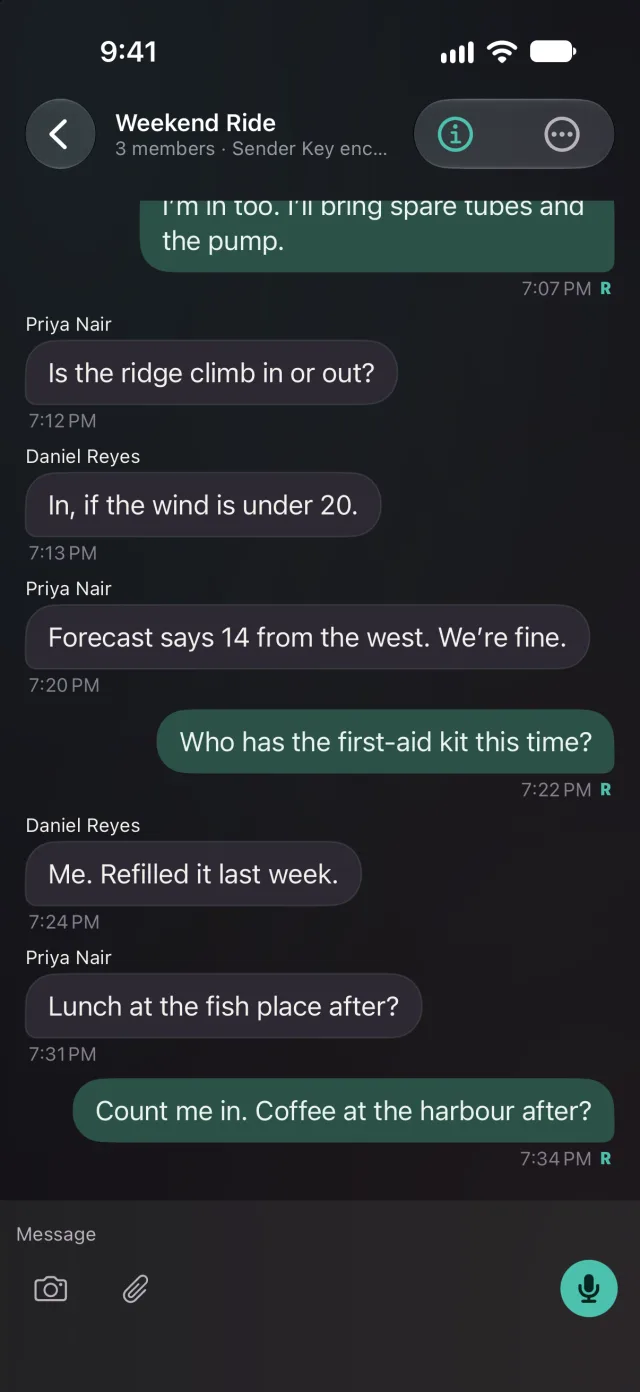
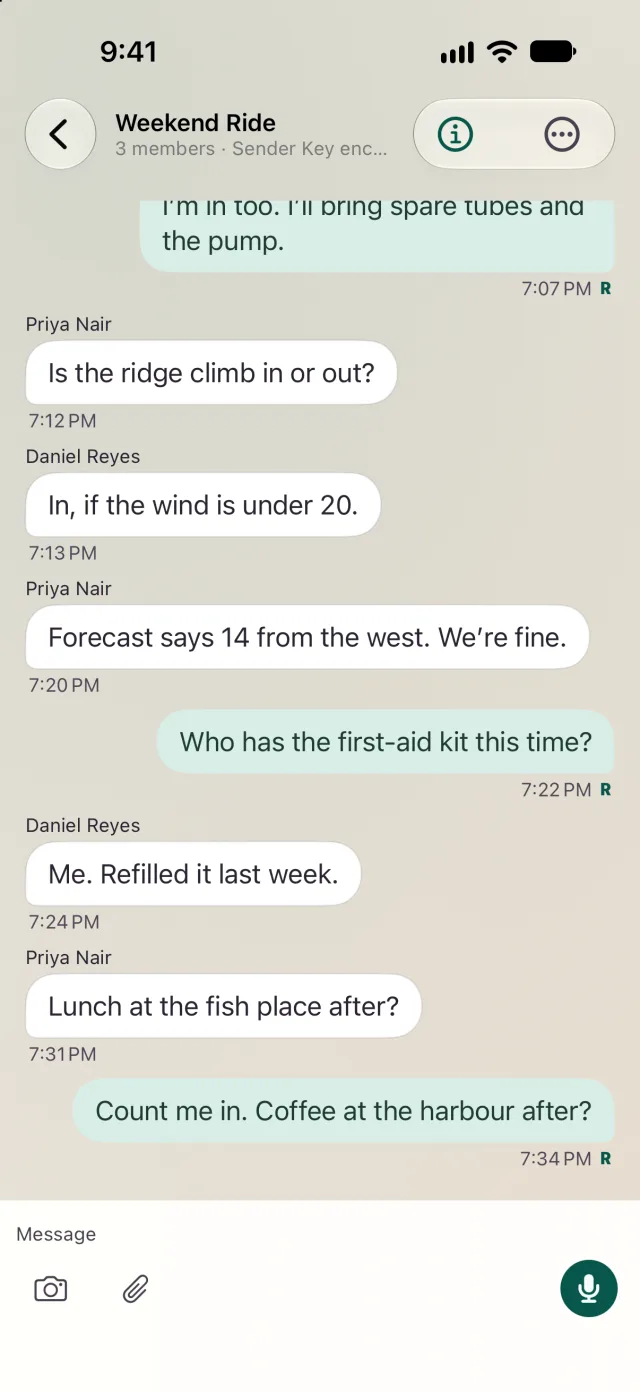
Lunch at the fish place after?
Count me in. Coffee at the harbour after?
Delivered · ReadTranscribed on your Mac. Never uploaded.
Messages and groups
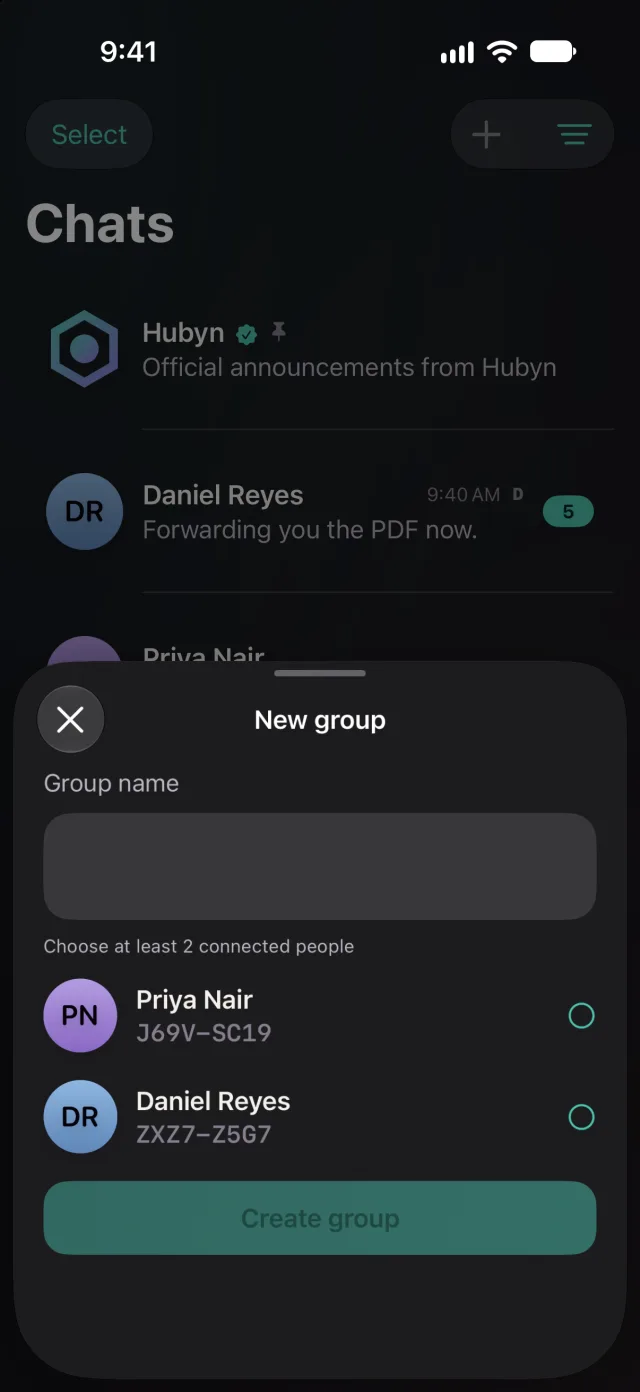
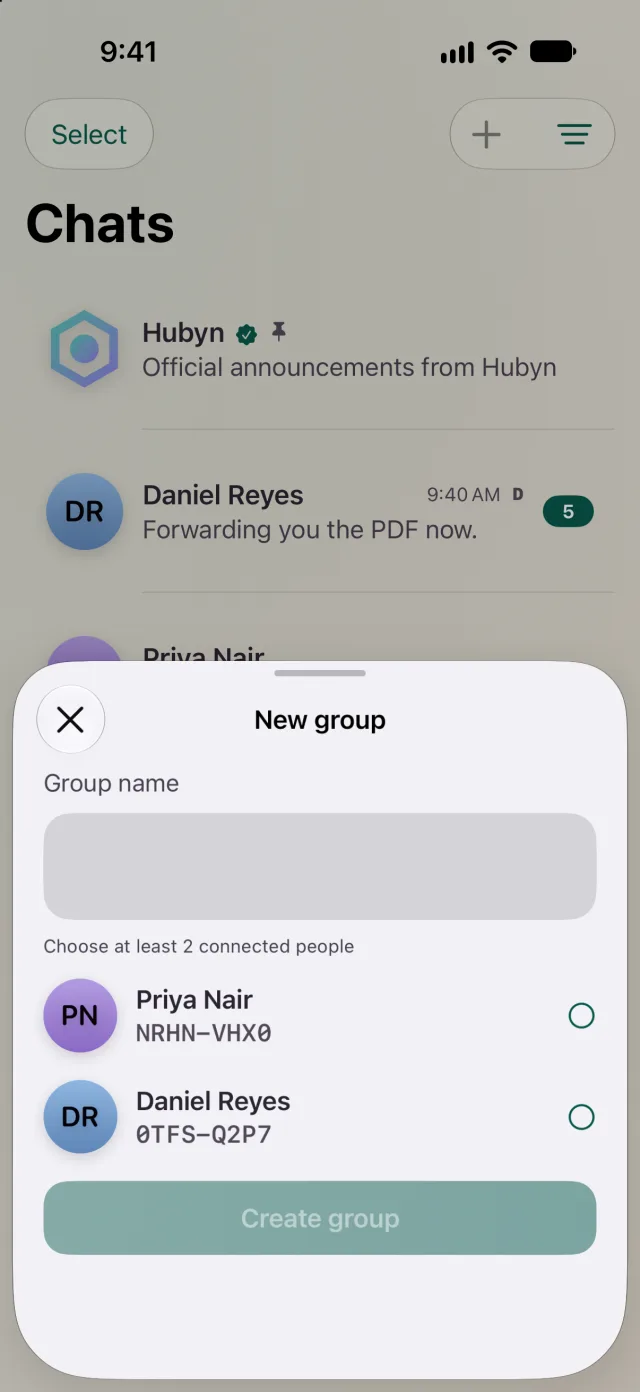
Groups of up to 1,024 people, with photos, files and voice notes. Delivered and Read, in groups too.
Keys that never leave
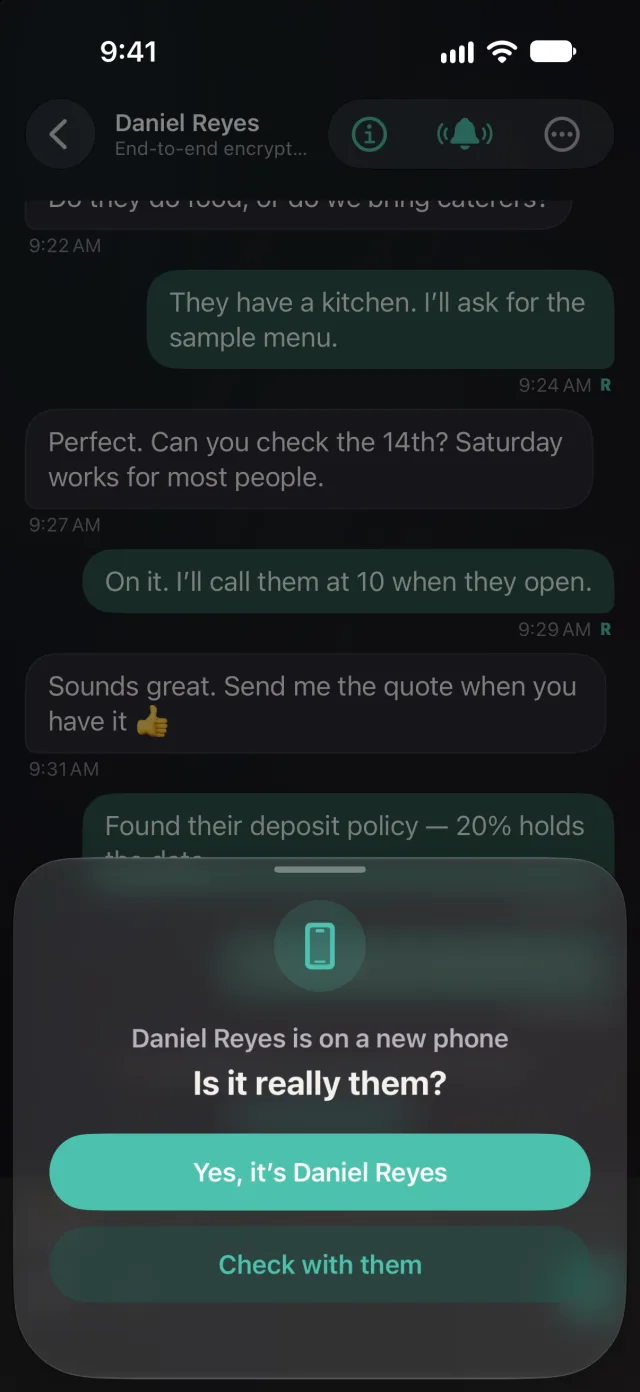
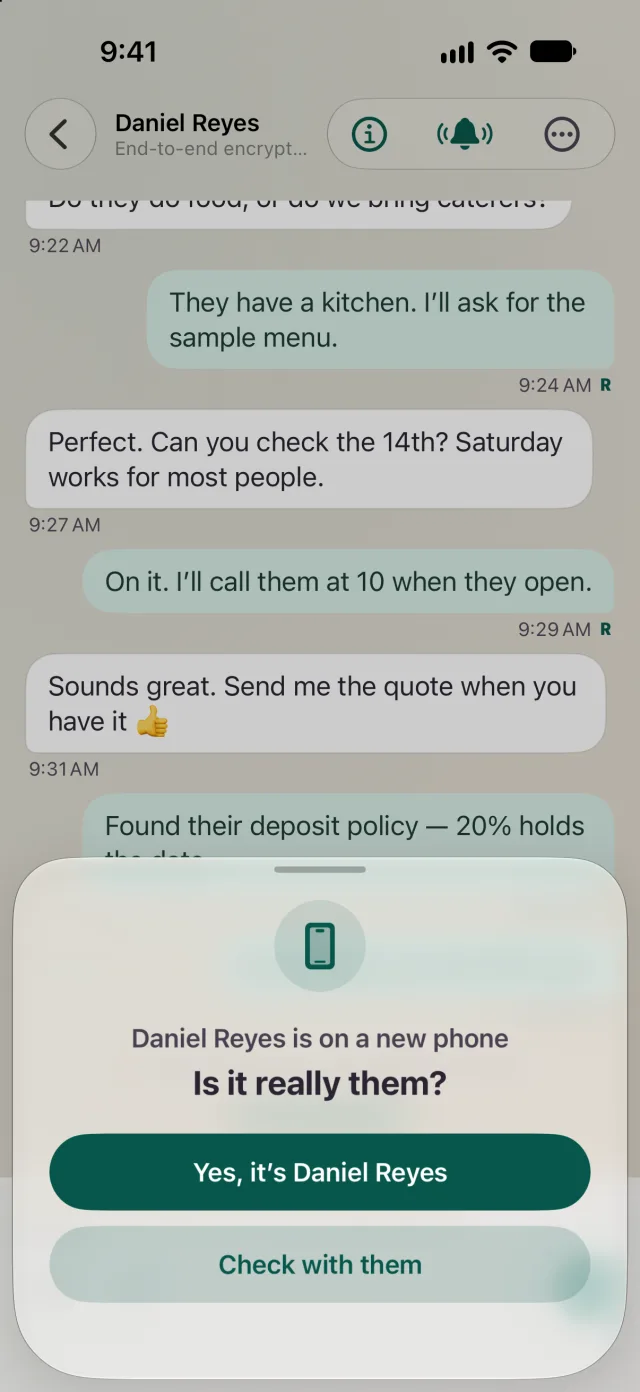
Notifications on a locked phone, and keys that never leave it. “Is it really them?” checks when a contact moves to a new phone.
Right where you left off
Picks up where you left off, even after weeks away.
Coming to iPhone next Private voice and video calls, scheduling, and a few touches BBM fans will recognize, like PING!!!
On Mac, Hubyn becomes where your team works.
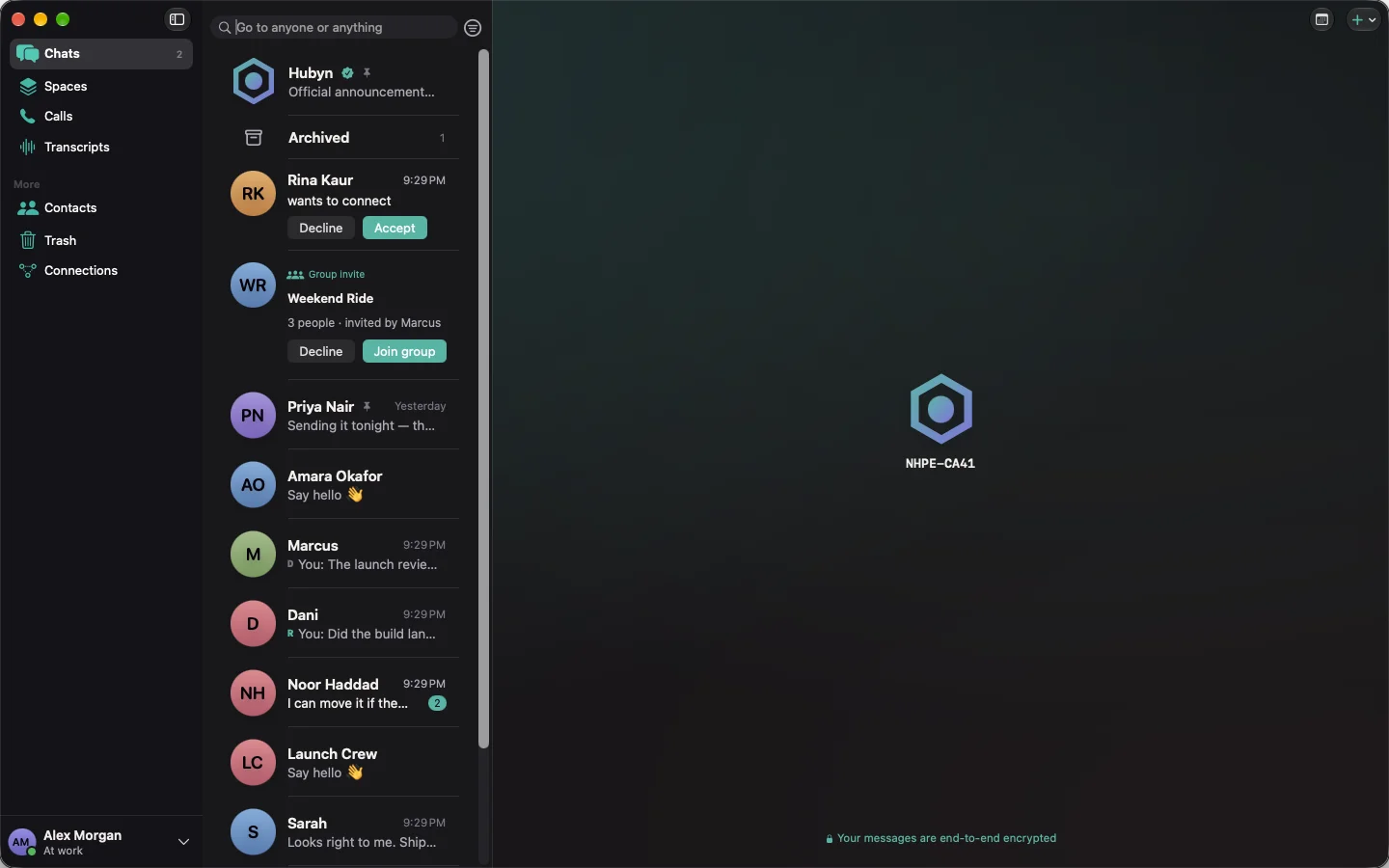
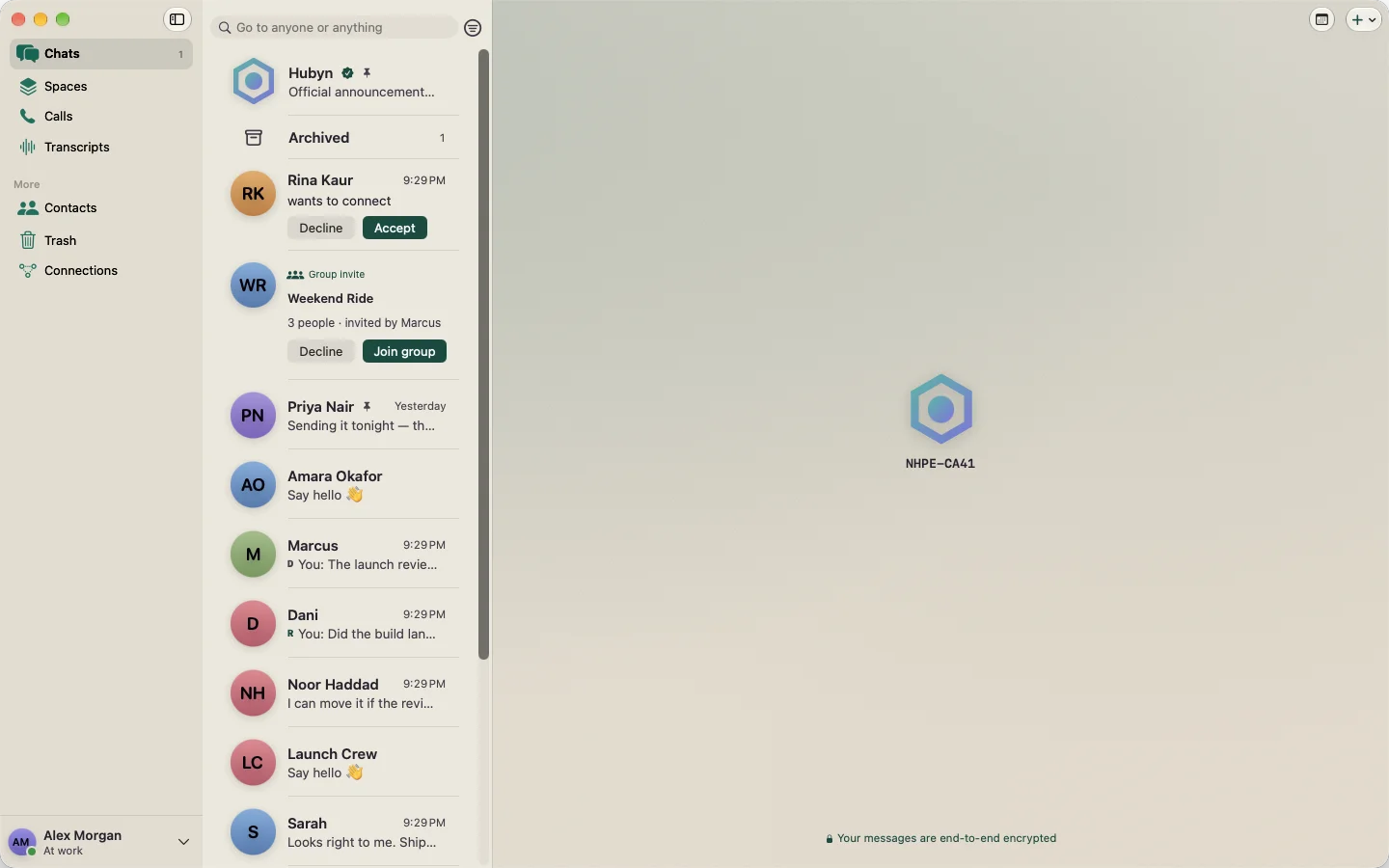
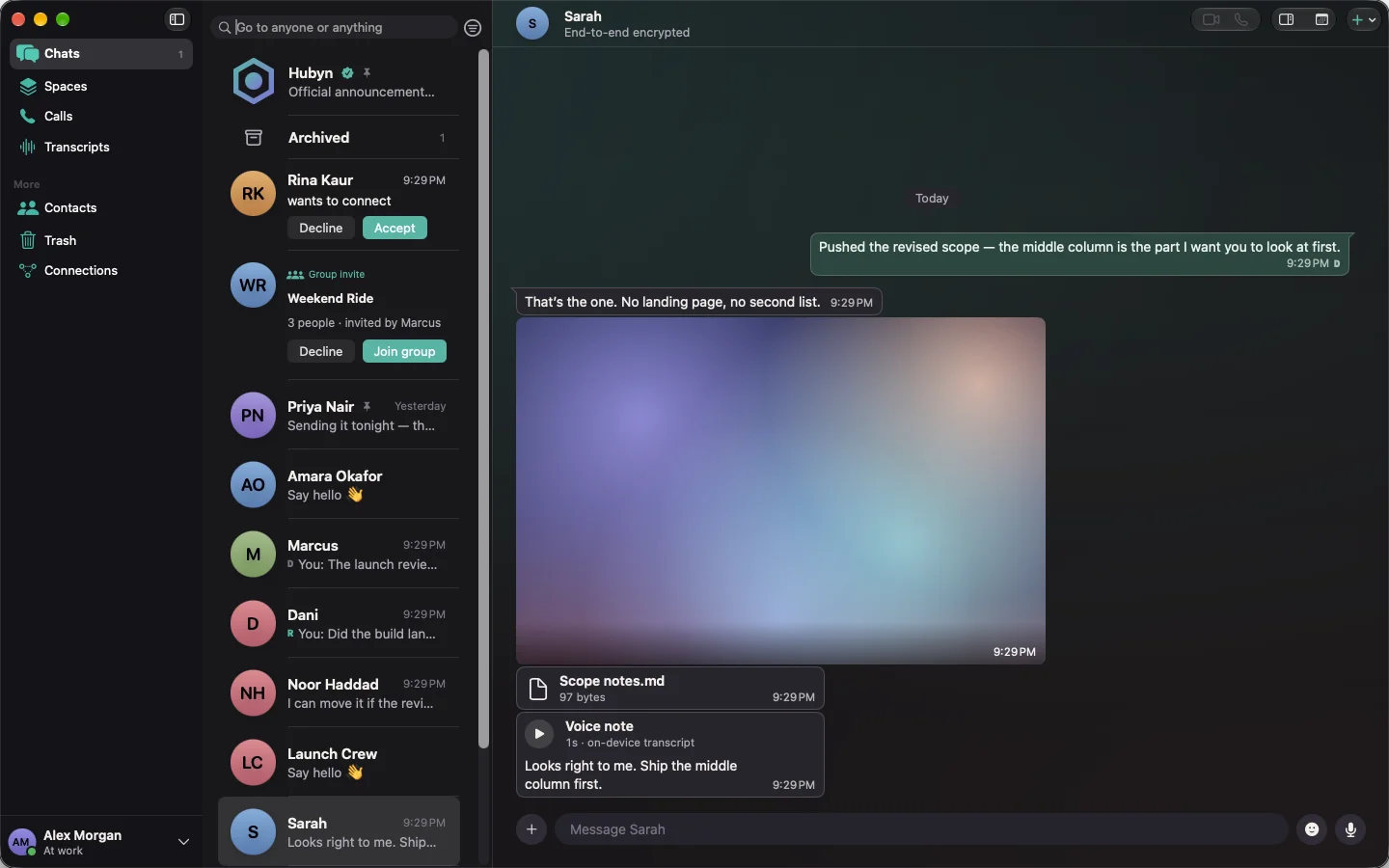
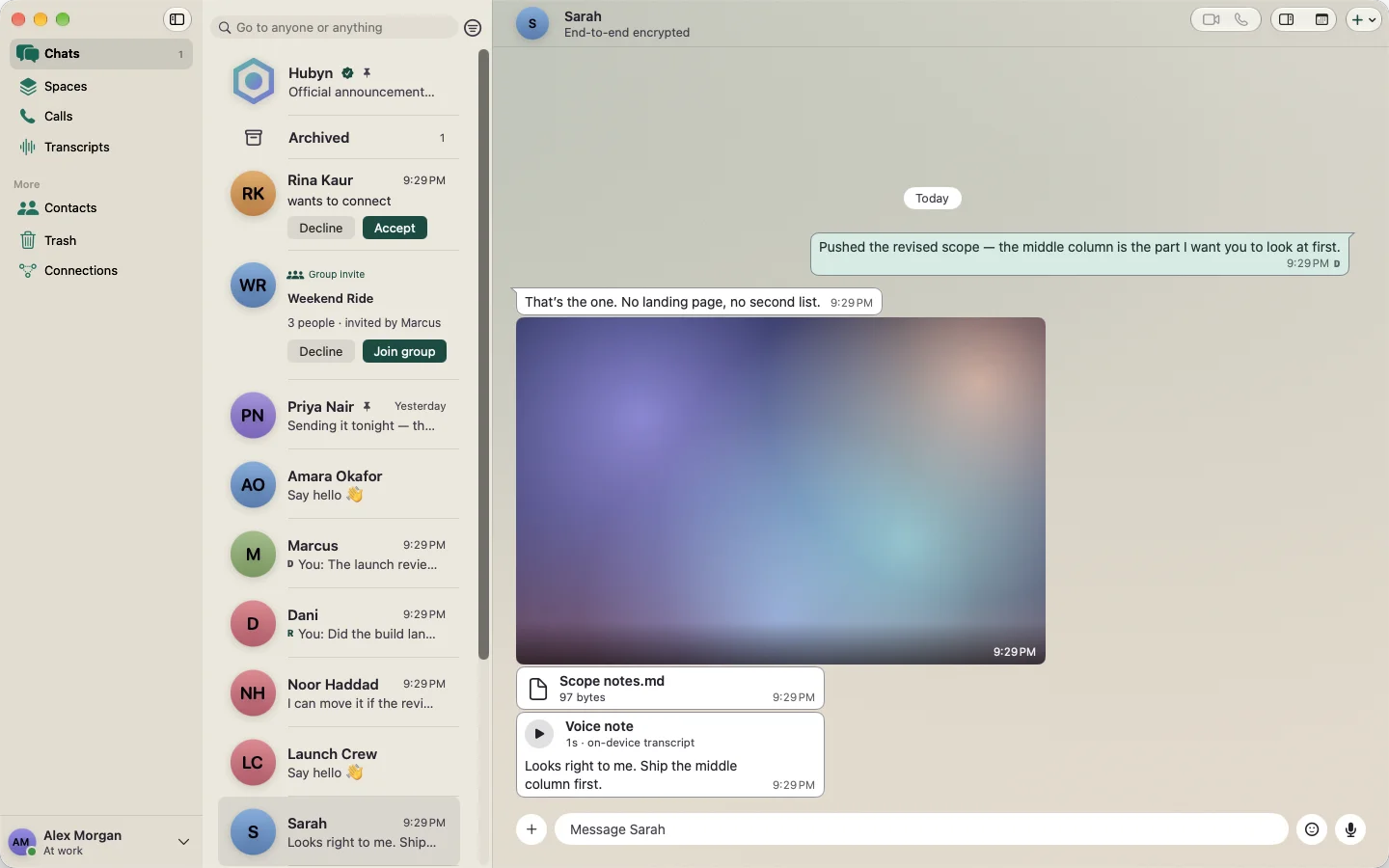
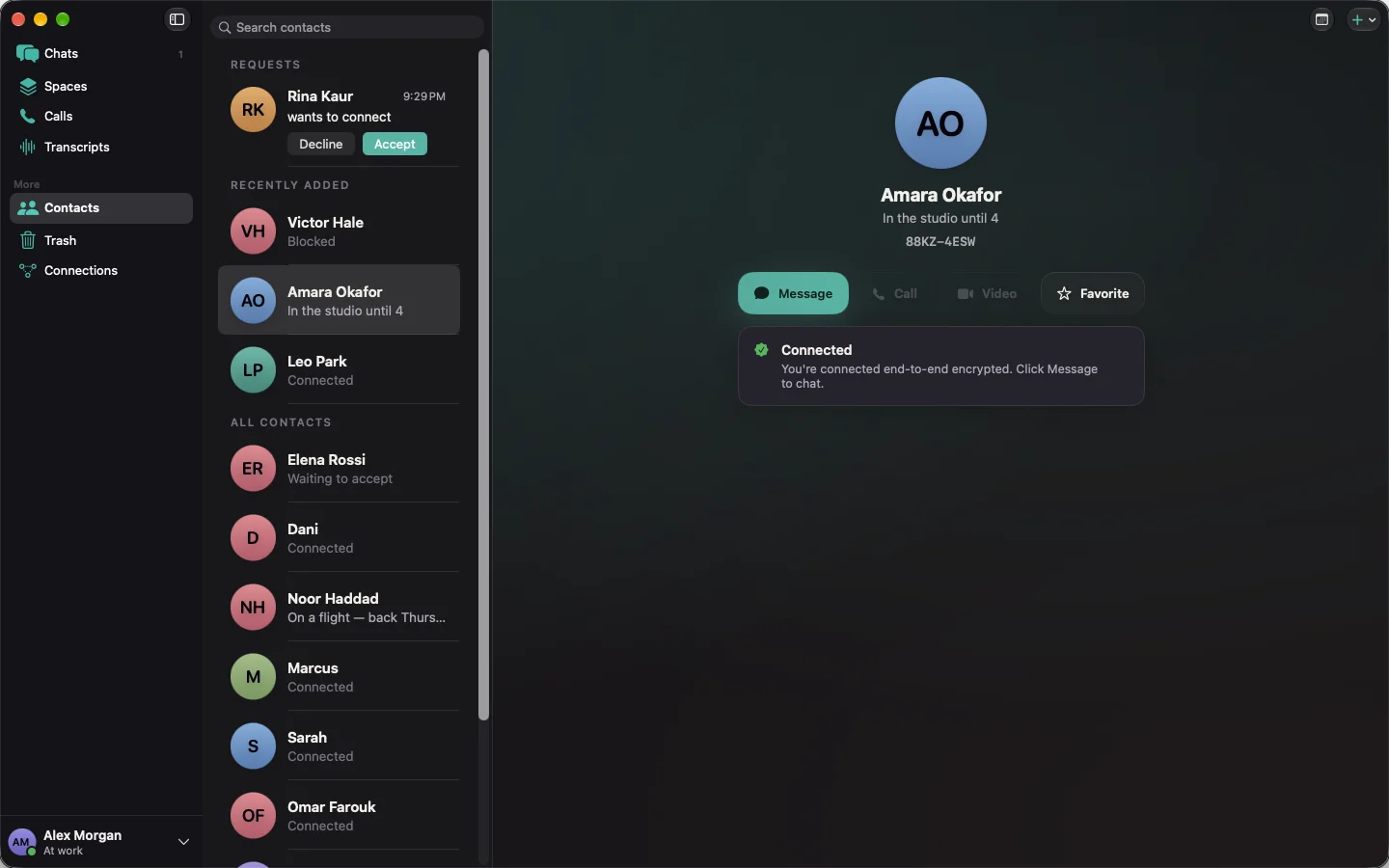
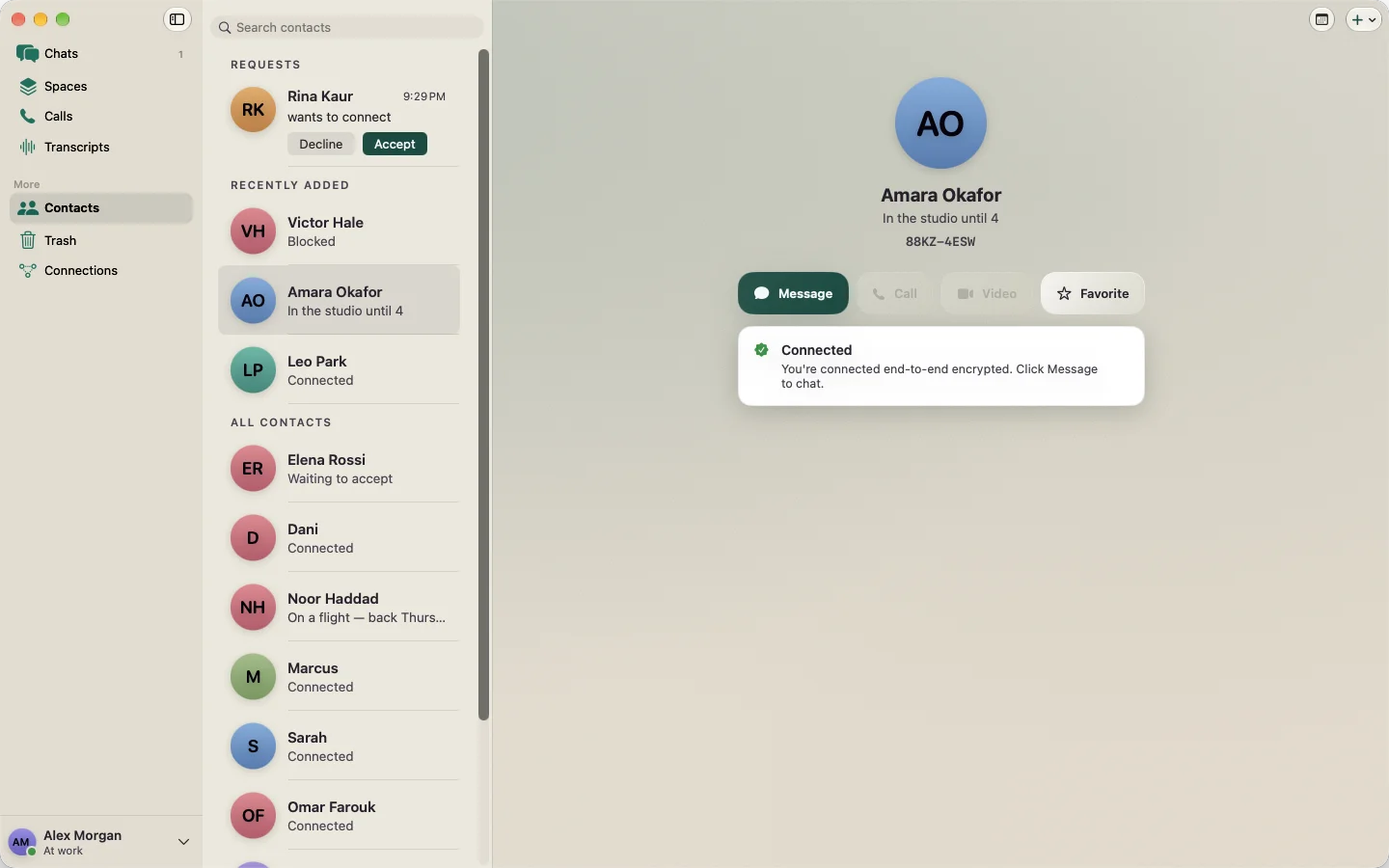
Talk.
Everything from iPhone, plus huddles that float above your other apps, and screen sharing.
Write.
Shared pages and team databases with tables, boards and calendars, edited together even offline.
Meet.
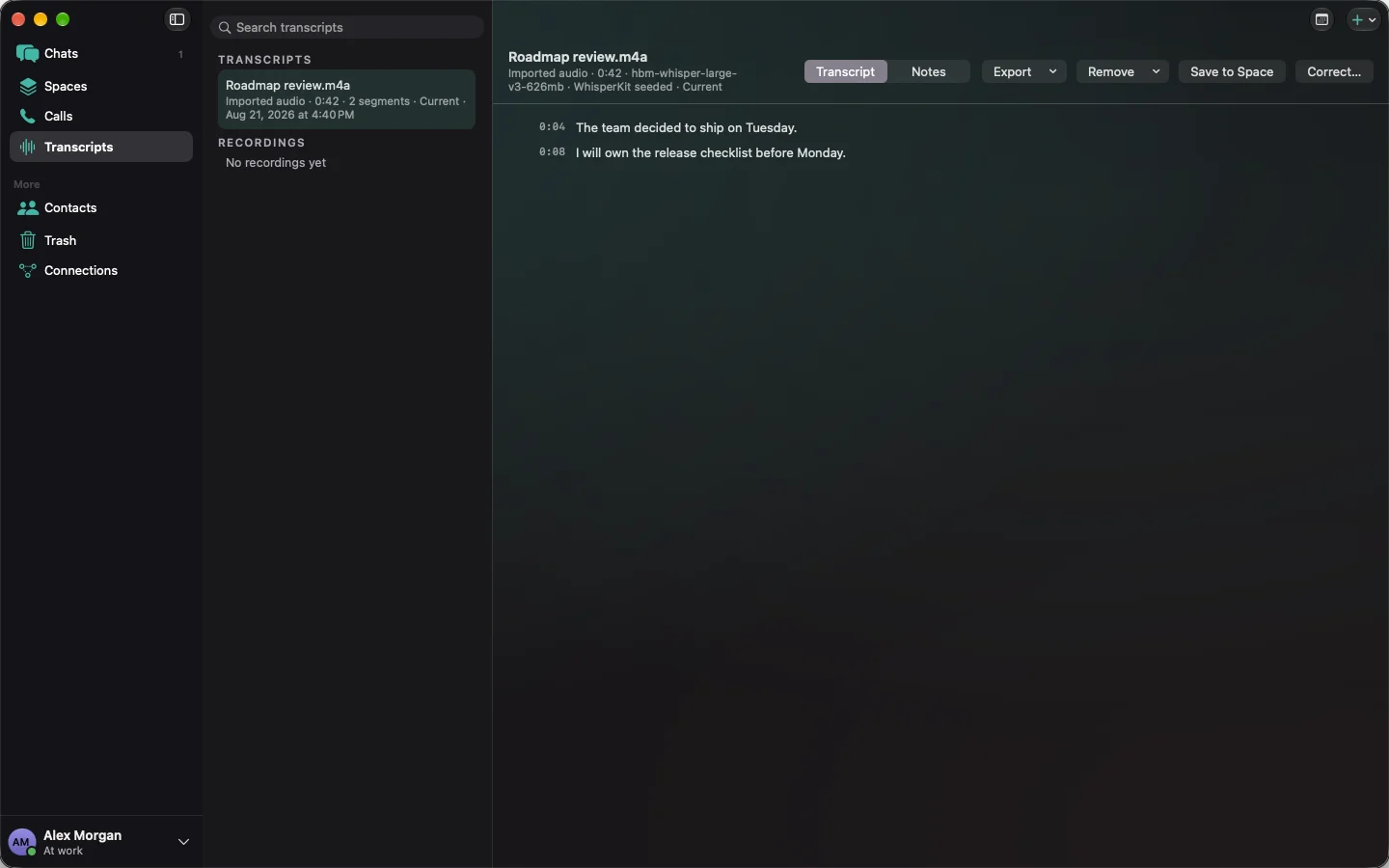
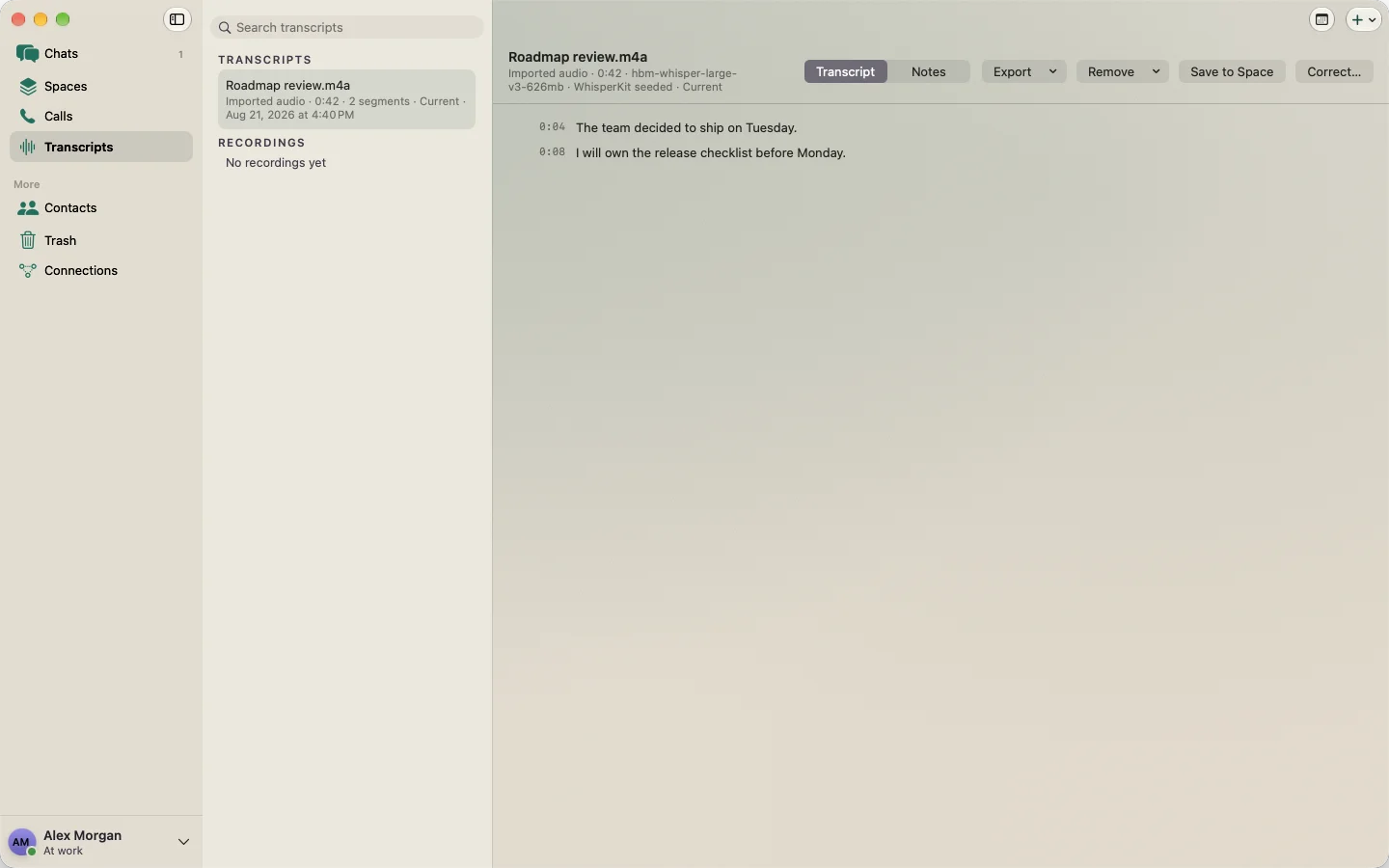
Record Hubyn calls or any meeting on your Mac. Transcripts never leave it. Everyone in the call is told when it's being recorded.
Understand.
One-tap translation of any message, done on your device.
Book.
One link that lets anyone book time with you, and lets guests join a call from a browser.
Bring your history with you.
Move your team's past into Hubyn from the exports you already have. Your Mac reads them, and everything is encrypted before it syncs. Your old history moves into end-to-end encryption.
Channels become Hubyn chats and groups, with their history and files.
Pages come across as shared pages. Databases follow as Hubyn's own grow in.
Recordings are transcribed and summarized again on your Mac. The whole archive, never uploaded.
Teammates from your old workspace show up by name. When some aren't on Hubyn yet, you can invite them in one step.
Switch one team at a time.
Nobody moves forty people on a Monday. Start with a small team and let everyone else catch up.
Start a team.
Invite a group of five to ten by email, or pick them from your Slack import. Hubyn works fully for them from day one. iPhone stays free, so teammates who only use their phone cost nothing to bring along.
Bridge for the move.
For 30 to 90 days, a chosen Slack channel can mirror both ways with a Hubyn space. It runs on your own Mac, so our servers never see it, and it's clearly marked as not end-to-end encrypted on the Slack side. It's an on-ramp, not a permanent link.
Clean exits.
One click removes someone who leaves from every space and group.
Admin controls that never see your content.
Hubyn was end-to-end encrypted from day one, keeps nothing readable on our servers, and runs its AI on your Mac. So the security answer is short: we cannot read your messages, files, pages or meeting audio.
- Company policies the admin signs and every device enforces: how long things are kept, which features are on, how many devices each person can use.
- Single sign-on and automatic account setup from your company directory. The Hubyn PIN stays the identity.
- An audit log of admin actions, never of content.
- Retention and legal hold on your terms. Any export is held by your company, from your own admin Macs. You hold the keys, not us.
Hubyn is built for teams on iPhone and Mac.
No internet? Keep working.
After one-time setup, your team's Macs keep messaging, syncing and calling over the office network or directly between devices, for as long as the internet stays down. Hubyn picks the best connection on its own. You never have to.
Built so no one else can read it.
Messages, pages, calls and transcripts are end-to-end encrypted. Your phone owns your identity, and our servers only pass along sealed messages. That's how Hubyn was built, not a setting you turn on.
iPhone first. Then Mac. Then Jimmy.
iPhone
PIN messaging and groups, then calls and scheduling.
Mac
The full workspace.
Jimmy
Your assistant on the Mac. Jimmy turns what was said into plans, follow-ups and tasks. It runs on your Mac, and nothing leaves without your say-so.
Get your PIN early.
Hubyn is in private beta on iPhone. Tell us who you are — we'll confirm straight away, and write once more when testing opens to people outside the build.
- You send this.
- A confirmation lands in your inbox.
- We write once more, when controlled testing opens.
Two emails in total. No newsletter, no drip, no reminders.
Beta access request form
Tech overview
How Hubyn protects your messages, your identity, and your device.
What Hubyn is
A private messenger and collaborative workspace for iPhone and Mac with its own identity system. On the Mac, full CRDT pages, an audio workspace with on-device transcription, and Jimmy intelligence sit beside messages and calls. Jimmy runs on the shared Neutron Engine foundation also used by Neutron Studio. No phone number, no contacts upload, no tracking tools riding along. The iPhone owns your account. The Mac is a linked companion — it can join, but it can never create or recover an account on its own.
- CRDT workspaces allow collaborators to edit shared pages and converge their changes without turning the page into a static chat attachment.
- Audio recordings and their on-device transcripts remain organized inside the workspace.
- Jimmy works locally with the workspace material available on the Mac; private workspace content is not sent to a cloud AI service for inference.
Privacy is the default, not a setting you have to find.
How we build it
Five rules decide every argument inside the product.
- No homemade encryption. Message secrecy comes from libsignal, the same protocol family behind Signal.
- Fail closed. When something is missing, broken, or ambiguous, the app refuses instead of guessing.
- Infrastructure stays blind. Relays and servers never hold readable content or unilateral control of your identity.
- Privacy is the default, not a setting you have to find.
- Honest boundaries. What we don't protect against is written down, not buried.
Identity without a phone number
You are a durable handle plus a PIN — in the spirit of BBM, but the trust underneath is cryptographic. Your keys, not a carrier record, prove who you are. Devices are listed in a signed set, retired device slots are never reused, and a removed device cannot quietly return.
Recovery you hold, not us
Recovery takes two things: a recovery code only you hold, and an encrypted envelope synced on your behalf that we cannot open. There is no operator bypass. Lose every device and the code, and the account is gone — support cannot restore it. Today that code plus envelope is permanent root authority and cannot be rotated, so treat a copy of it as a copy of your account.
Adding people, with consent
Nothing arrives until you allow it. Connection requests are explicit, blocks are enforced, and content is refused unless sender, route, and consent all line up. First contact comes in two strengths, and the difference is real:
- Scanning a code is strong. The code commits to a specific key, so a hostile directory cannot swap someone in — the add simply fails.
- Typing a PIN alone is weaker. It relies on directory integrity plus verifying your safety number in person or by voice.
One honest note: a party who can resolve your handle can tell that someone tried to reach you — never who you talk to or what was said.
Messages are sealed before they leave
One-to-one chats use X3DH, the Double Ratchet, and PQXDH for post-quantum hardening. Groups of up to 1,024 people use Sender Keys with explicit invites, and both routing and group keys rotate whenever someone joins, leaves, or is removed. Delivery, acknowledgment, and key advancement commit together, so a crash never loses or duplicates a message.
Relays that cannot read
Our relay stores sealed records under rotating tags and random names. An operator sees opaque identifiers, rough timing, and sizes — never content, identities, or who talks to whom.
- Deleting a record needs a secret, not an address. Knowing where a record lives authorizes nothing.
- Nearby devices can hand off the exact same sealed envelope over a direct local link, with no ID, key, or contact exposed during discovery.
- A local handoff carries messages. It never grants identity, membership, or recovery authority.
Two locks on the device
The local database is encrypted with SQLCipher, and every message record is sealed again with a key that never enters an iCloud or device backup. A fully restored backup is still locked without that key, which stays on the device only. If part of the database is damaged, it is quarantined rather than quietly treated as empty — and there is no message history recovery after device loss, by design.
Photos, files, and voice notes
Attachments up to 25 MB are encrypted in authenticated pieces under a key unique to that file, stored as random-named ciphertext, and expire after seven days. On iPhone, voice notes are recorded and played, without a transcript. On the Mac, voice-note transcription and the audio workspace run on your device only — if on-device speech isn't available, the note simply sends without one. There is no cloud transcription, ever.
The Mac can join. It can never quietly become the owner.
Linking your Mac
Linking is an explicit, user-confirmed scan. The Mac receives revocable, scoped authority — not ownership. Apple's hardware attestation exists on iPhone and has no Mac equivalent, so the Mac fails closed on operations that require it instead of quietly accepting a weaker check.
Importing from Slack, Notion, and Zoom
Coming with the Mac app. Hubyn reads export files you already have, on your Mac, and encrypts them into your workspace before anything syncs. No plaintext from an import ever reaches our servers.
- Slack: an admin export of channels becomes Hubyn chats and groups, with history and file links. Private channels and DMs are included only when Slack's own export allows it for your plan.
- Notion: a workspace export of Markdown pages maps to shared pages. Databases (CSV) follow once Hubyn's database support lands.
- Zoom: cloud recordings and their transcripts are re-transcribed and summarized on the Mac. The archive is never uploaded.
Imported authors appear as names, not accounts, until they join. Hubyn can then offer to invite the teammates who aren't on it yet.
Moving a team, and running it
Planned alongside the Mac app. The admin side is designed so that it never needs to see content.
- Start a team: an admin invites a group of 5–10 by email or from the Slack import's member list, and one-click offboarding removes a leaver from every space and group.
- Coexistence bridge: for 30–90 days, a chosen Slack channel mirrors both ways with a Hubyn space. It runs on the customer's own Mac with the customer's own Slack token, so no Hubyn server sees the content. It is labeled as not end-to-end encrypted on the Slack side and is time-boxed by design.
- Signed admin policies enforced on every device: retention periods, enabled features, and device limits.
- SSO and SCIM provisioning from the company directory, with the Hubyn PIN still the identity, tied to the company account by attestation.
- An audit log of admin actions only, never of content. Retention and legal hold are enforced on devices; legal exports are held by the company from its own admin devices.
Trust work in progress: a third-party penetration test and SOC 2 are planned. Neither is claimed as complete.
Hubyn is deliberately Apple-only: iPhone and Mac.
What Apple and our servers can see
Hubyn claims content blindness — not anonymity. Two disclosures we refuse to soften:
- Relay and storage: opaque IDs, sizes, and timing. No content, identities, or contact graph.
- Our registry: protocol traffic and operational timing, plus the fact that a contact was attempted.
- Apple and the network: IP address, account identifiers, timing, and volume — content is always ciphertext.
- Push notifications currently reveal to Apple how many people and groups you talk to — not who, never content. We are working the fix and stating the gap until then.
- Anything passing through Apple services can be delayed, blocked, or legally compelled. Encryption removes content exposure, not legal exposure.
Content blindness is not anonymity.
Defaults that protect you quietly
Notification previews show only “Hubyn — New message” until you opt into more. Read receipts are off until you turn them on. If a preference record is missing or unreadable, it resolves to the most private option — never silently back to open.
What we deliberately don't do
- No phone numbers. Identity is a handle you keep, not a number you rent.
- No contacts upload. There's no address-book pipeline at all.
- No analytics or telemetry SDKs.
- No duress PIN or decoy mode. A decoy that the file system contradicts can put someone in more danger than honest possession. That needs a real architecture and review, not a toggle.
- No certification theater. No FIPS, NIAP, or government authorization is claimed or implied.
Security claims are meant to be verified, not believed.
How this compares
Signal-grade message cryptography is not the differentiator — everyone serious uses it. The combination is: that cryptography with no phone number, no contacts pipeline, no telemetry, a backup-excluded local seal, and relays holding only opaque ciphertext under deletion secrets they never see. Unlike cloud-backed messengers, history is unrecoverable after full device loss — on purpose.
Limits, stated plainly
This page would be dishonest without its boundaries. As of this draft:
- Independent review is assigned but not yet executed. Until it closes, the only claim we make is “internally tested.”
- Production is intentionally inactive. There is no production or TestFlight population yet.
- One dependency on our abuse-prevention path is a release candidate and is release-blocking until replaced or approved.
- No key transparency yet, so typed-PIN first contact rests on directory integrity plus the safety-number check.
- The recovery key cannot be rotated.
- No biometric prompt on every key use, and no protection at all once a device is unlocked, compromised, or unlocked under compulsion.
- Hubyn is visible on a device. High-risk users should weigh whether possession itself is a risk.
- No anonymity or traffic-analysis resistance, and no availability guarantee against platform or network denial of service.
Checking our work
Security claims are meant to be verified, not believed. The external review package pins an exact commit — never a moving deployment — with the threat model, evidence index, and reproduction steps. Every security fix ships with a test that fails before the fix. Suspected vulnerabilities go through private security reporting, never a public issue, and never with live user data or exploit details attached.
We'd rather name the gaps.
Draft 0.1 — September 2026. Private beta software, internally tested, superseded by independent review findings at launch.
Request beta accessQuestions, answered.
Hubyn is in controlled pre-production testing, so these answers say what the product does today and what is still waiting on a gate outside the code.
01Is my PIN a password?
+
02Who can read my messages and files?
+
03Where does my work live?
+
04What does Jimmy actually see?
+
05What happens if I lose my device?
+
06Why are the status words so literal?
+
Something not working?
Tell us what happened and we'll get back to you. During controlled testing this reaches a person, not a queue.